> ## Documentation Index
> Fetch the complete documentation index at: https://docs.athina.ai/llms.txt
> Use this file to discover all available pages before exploring further.
# Export / Download Datasets
> Export datasets to a file.
Athina allows you to export datasets to a file.
You can export datasets to the following file formats:
* `CSV`
* `JSON`
* `XLSX`
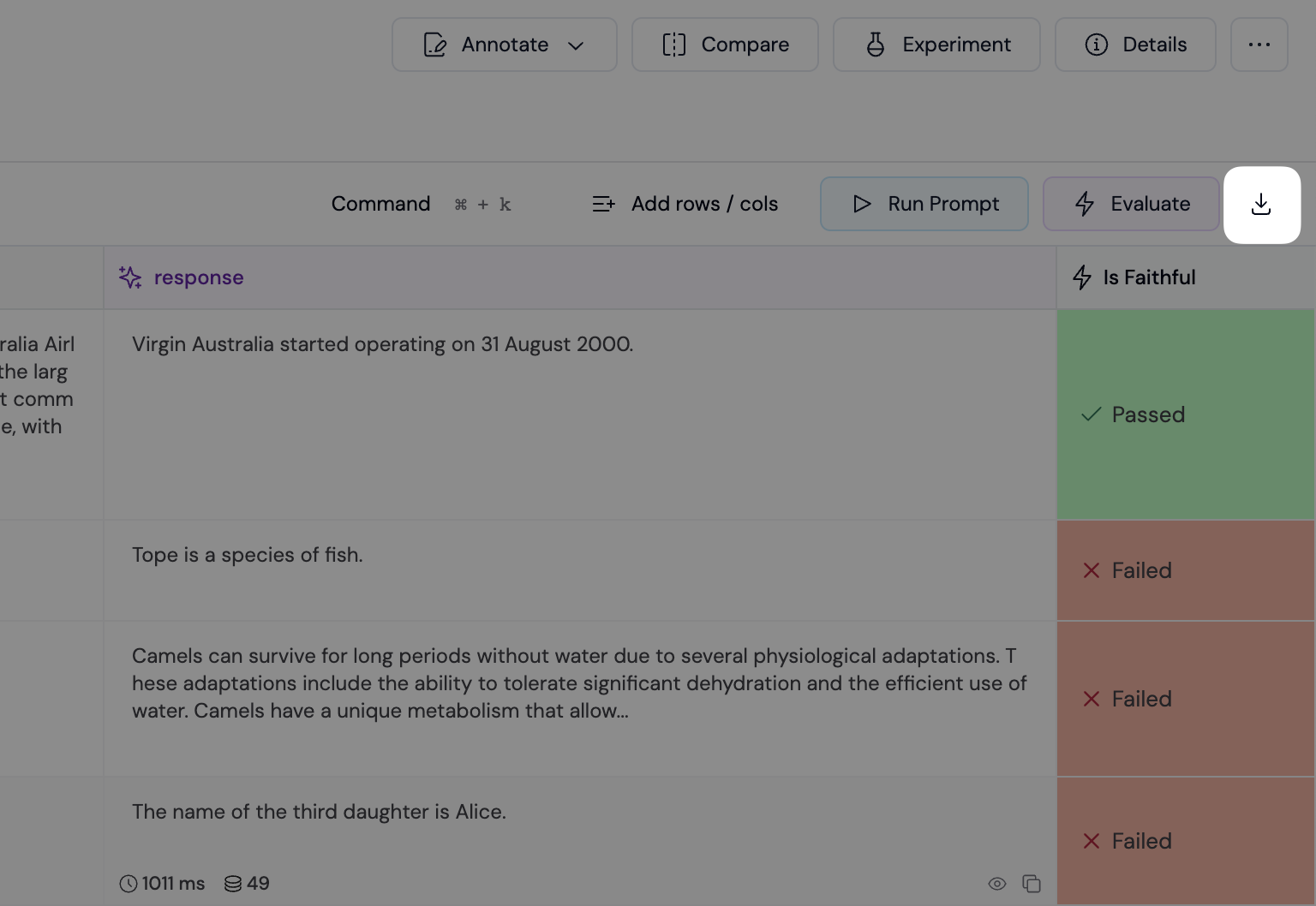
To export a dataset, click the "Download" button in the **Dataset Sheet** view.
 ### Exporting a Subset of Data
You can also apply filters if you wish to export only a selected subset of your data.
You can also access your datasets programmatically via our [API or
SDK](/api-reference/datasets/get-dataset).
### Exporting a Subset of Data
You can also apply filters if you wish to export only a selected subset of your data.
You can also access your datasets programmatically via our [API or
SDK](/api-reference/datasets/get-dataset).