> ## Documentation Index
> Fetch the complete documentation index at: https://docs.athina.ai/llms.txt
> Use this file to discover all available pages before exploring further.

# Introduction

<Tip>
  You can try out the IDE in our [sandbox account
  here](https://demo.athina.ai/develop/837ebf1a-c408-476e-862a-41bfc8bacaa6).
</Tip>

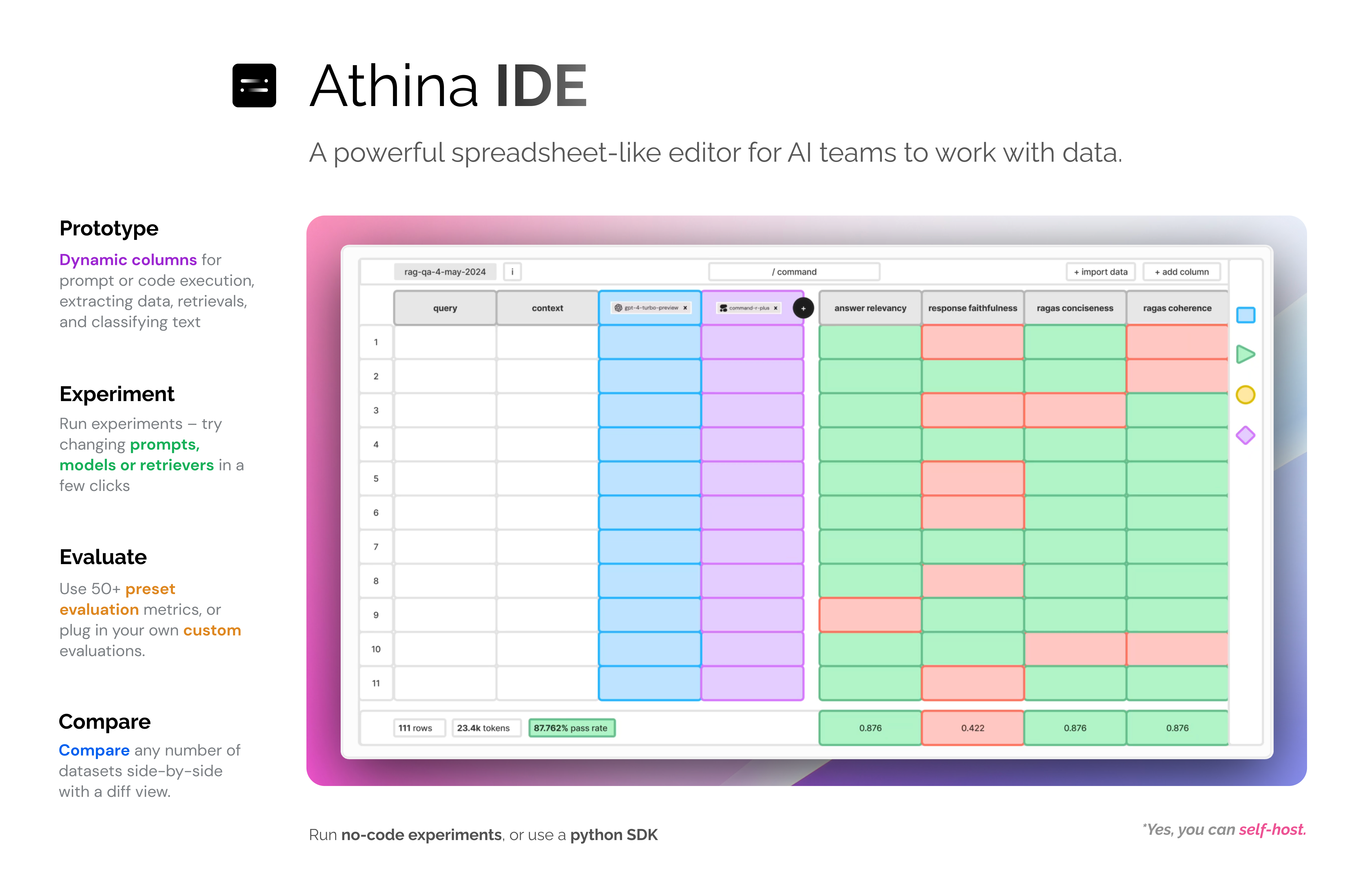
Athina IDE is a collaborative editor for AI teams to prototype, experiment and evaluate
in a spreadsheet-like UI.

It is designed for both **technical** and **non-technical** users to work together efficiently.

Athina IDE provides tools to manipulate, analyze, and experiment with data in an intuitive spreadsheet-like interface.
<Frame>
  <img src="https://mintlify.s3.us-west-1.amazonaws.com/athinaai/images/ide-launch-3.png" />
</Frame>

### Demo Video

<div style={{ position: "relative", paddingBottom: "56.25%", height: 0 }}>
  <iframe
    src="https://www.loom.com/embed/b31b267a0ab4456887944cd3199f4422"
    frameborder="0"
    webkitallowfullscreen
    mozallowfullscreen
    allowfullscreen
    style={{
  position: "absolute",
  top: 0,
  left: 0,
  width: "100%",
  height: "100%",
}}
  />
</div>

## Features

<CardGroup cols={2}>
  <Card title="Manipulate Datasets like in a Spreadsheet" icon="table" color="#3d3d3e" href="/datasets/overview">
    Filter, search, sort, edit, annotate, tag, and delete data as you would in a
    spreadsheet
  </Card>

  <Card title="Run Dynamic Columns" icon="play" color="#3d3d3e" href="/datasets/dynamic-columns/dynamic-columns">
    Create dynamic columns to run LLM prompts, execute code, make API calls, and
    perform data transformations.
  </Card>

  <Card title="Prototype Pipelines" icon="diagram-project" color="#3d3d3e" href="/datasets/dynamic-columns/dynamic-columns">
    Run powerful pipelines or Flows on your entire dataset.
  </Card>

  <Card title="Run Evaluations" icon="bolt-lightning" color="#3d3d3e" href="/datasets/run-eval">
    Use 50+ preset evaluation metrics or create custom evaluations
  </Card>

  <Card title="Run Experiments" icon="flask" color="#3d3d3e" href="/datasets/run-experiment">
    Re-generate datasets with different prompts, models, or retrieval parameters
  </Card>

  <Card title="Compare Datasets" icon="code-compare" color="#3d3d3e" href="/datasets/compare-datasets">
    Compare multiple datasets side-by-side
  </Card>
</CardGroup>

### Example Guides

*Coming soon*
