

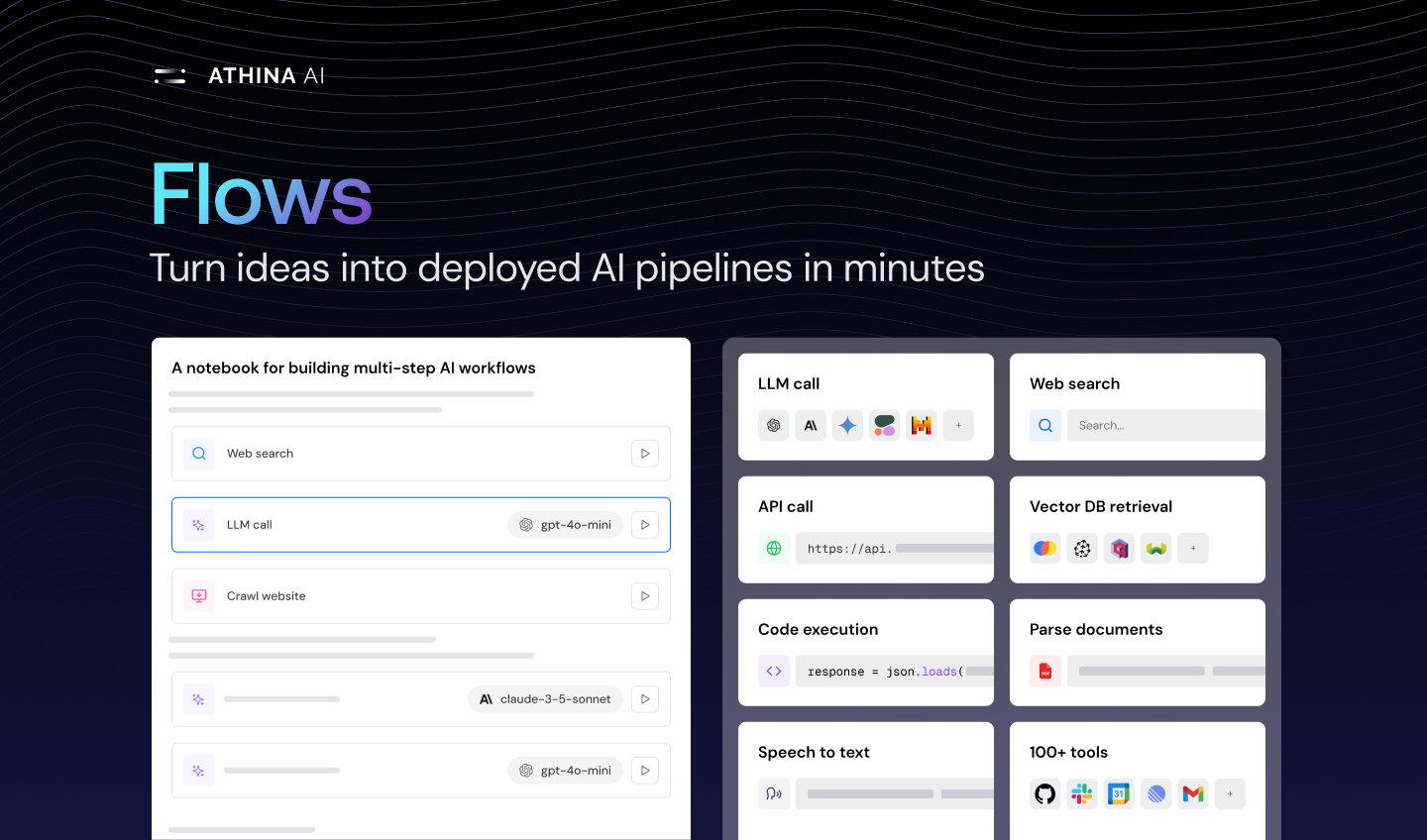
 Flows are a way to chain prompts, API calls, Retrievals, Code Functions, and more together to build complex pipelines.
You can then run these Flows in the UI, on a dataset, or via the API.
Flows are a way to chain prompts, API calls, Retrievals, Code Functions, and more together to build complex pipelines.
You can then run these Flows in the UI, on a dataset, or via the API.
Use Cases
- Run multi-step workflows on a dataset
- Chain prompts with different models
- Chain prompts with Retrievals, Code Functions, and more
- Build multi-step evaluation workflows

Examples
You can view all community templates here: Flow Templates Here are some examples of how you can use Flows to build AI features in minutes:User Feedback -> Github Issue
Automates the process of converting customer feedback into well-structured
GitHub issues and assigns the appropriate labels to it.
Extract and analyze YouTube comments
This flow helps you analyze YouTube comments to understand audience
sentiment, popular topics, and engagement patterns.
Google Review Summarizer
Summaries Google reviews for any given product
Stock Analyzer
Use an LLM to analyze price movements and news about a given ticker